Speeddial: Browser and Rofi
I've been a fan of the Speeddial since the early days of Opera. For me, a browser must have Speeddial. Unfortunately, Firefox (or Librewolf, in my case) has something similar, but it’s not the same. So you need something of your own.
Solution 1: HTML / Javascript
The simple solution is an HTML file that is set as the startpage in the browser.
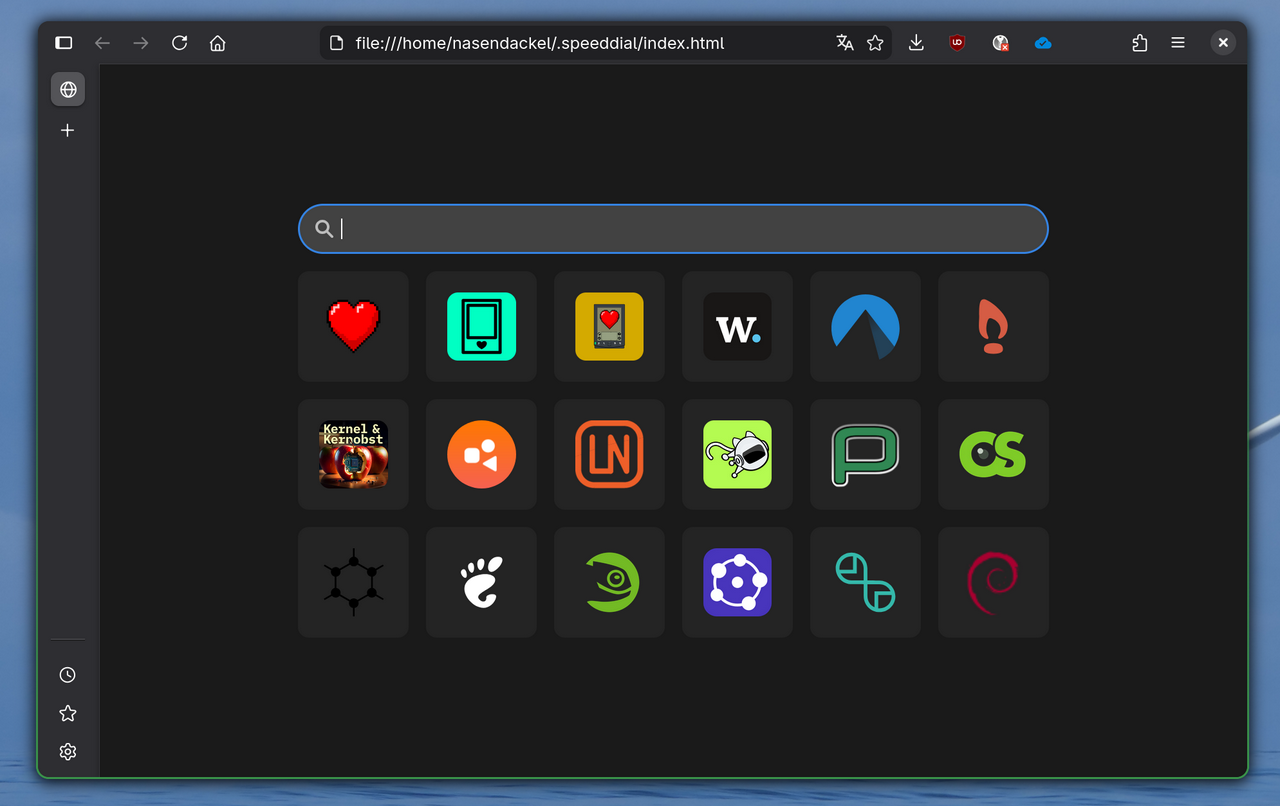
It works somehow. I saved the URLs and images in a JavaScript file that is synced with chezmoi.
Solution 2: Bookmarks in Rofi
There is a great Python script for Rofi that uses Firefox's bookmark database. Since I sync my bookmarks with floccus, this is quite handy.
The script can also be easily adapted to Librewolf. I have also replaced Firefox with xdg-open so that I don't have to change the script, when changing browsers. This way I can easily use the bookmarks from Librewolf in Epiphany.
I store the script in .local/bin and start it in niri via
Ctrl+Alt+B { spawn-sh "rofi -theme bookmarks -modi 'Bookmarks: ':'rofi-bookmarks.py' -show";}
But those are bookmarks, not a Speeddial!
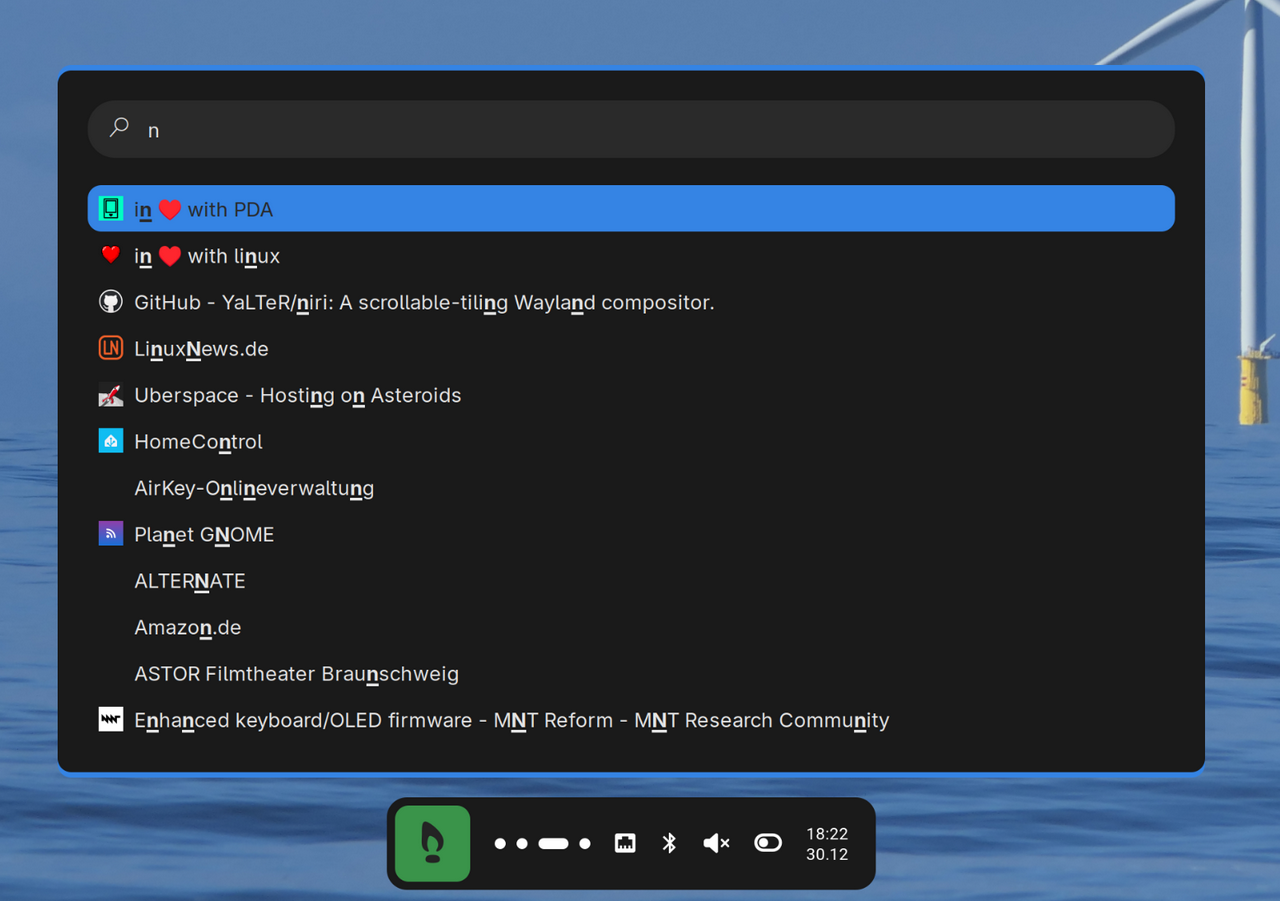
Link: rofi-bookmarks
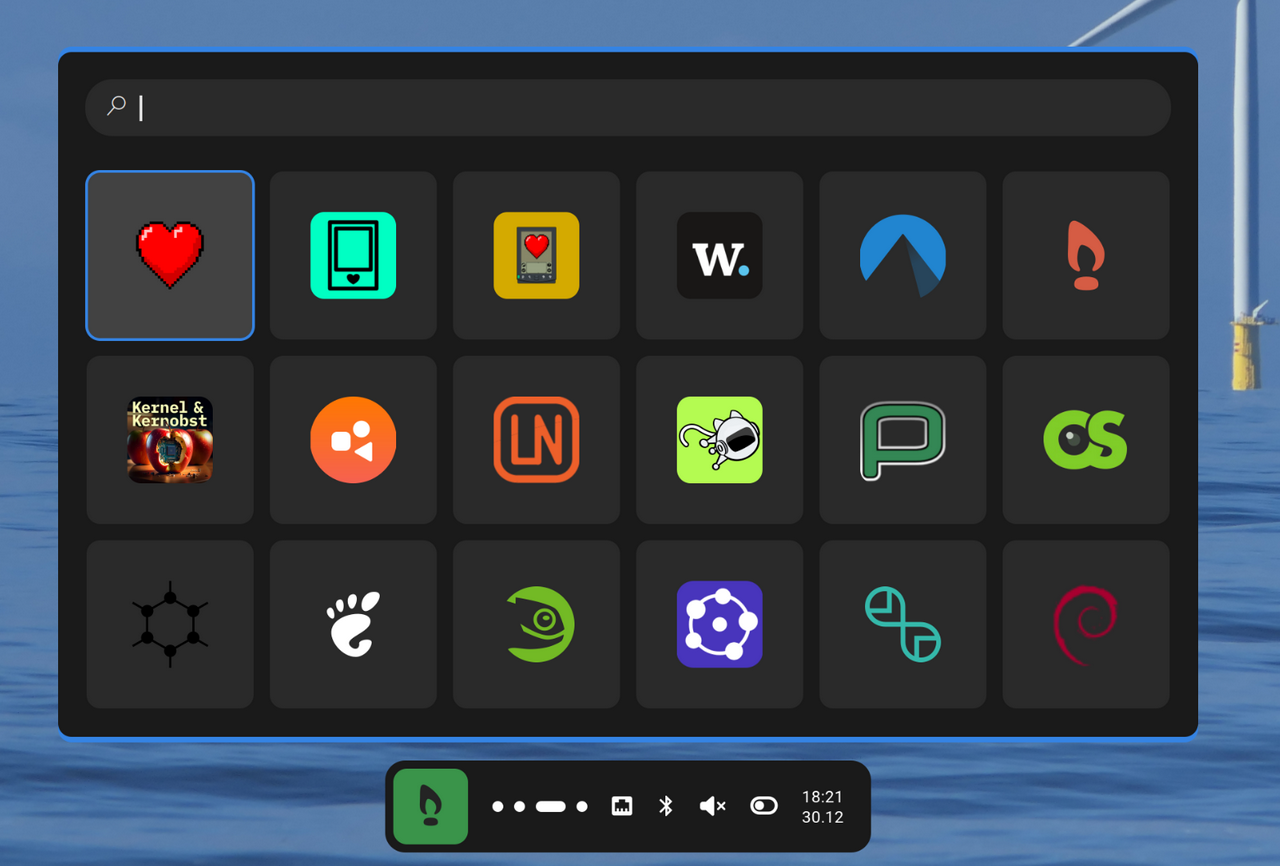
Solution 3: Speeddial in rofi
Rofi is great. The launcher (drun, dmenu, etc.) is so flexible and can be scripted wonderfully.
At this point, I have to be honest:
Yes, I had help from AI (in my case, Kagi). My programming experience dates back to the 90s with Turbo Pascal. So, in long dialogues, I got the AI to code something useful. Maybe not great, but it's not rocket science either. If anyone wants to look at the code and, above all, improve it: feel free!
The result is based on three components:
Part 1: Rofi theme
This GitHub repository is a great source of inspiration and a basis for creating your own themes: https://github.com/adi1090x/rofi
I made use of it, but quickly turned the basis into something of my own.
I have a base theme (launcher.rasi) on which the theme for Speeddial (speeddial.rasi) is based. Accordingly, only changes are entered in speeddial.rasi.
Files: launcher.rasi and speeddial.rasi
Part 2: Bash-Script
The magic happens in speeddial.sh. This reads a JSON file containing the URL and location of the image for each tile. Both files are stored in ~/.speeddial
A simple function is also built in whereby entering +k search term triggers a search with Kagi.
Files: speeddial.sh and links.json
Part 3: Bash-Script for editing tiles
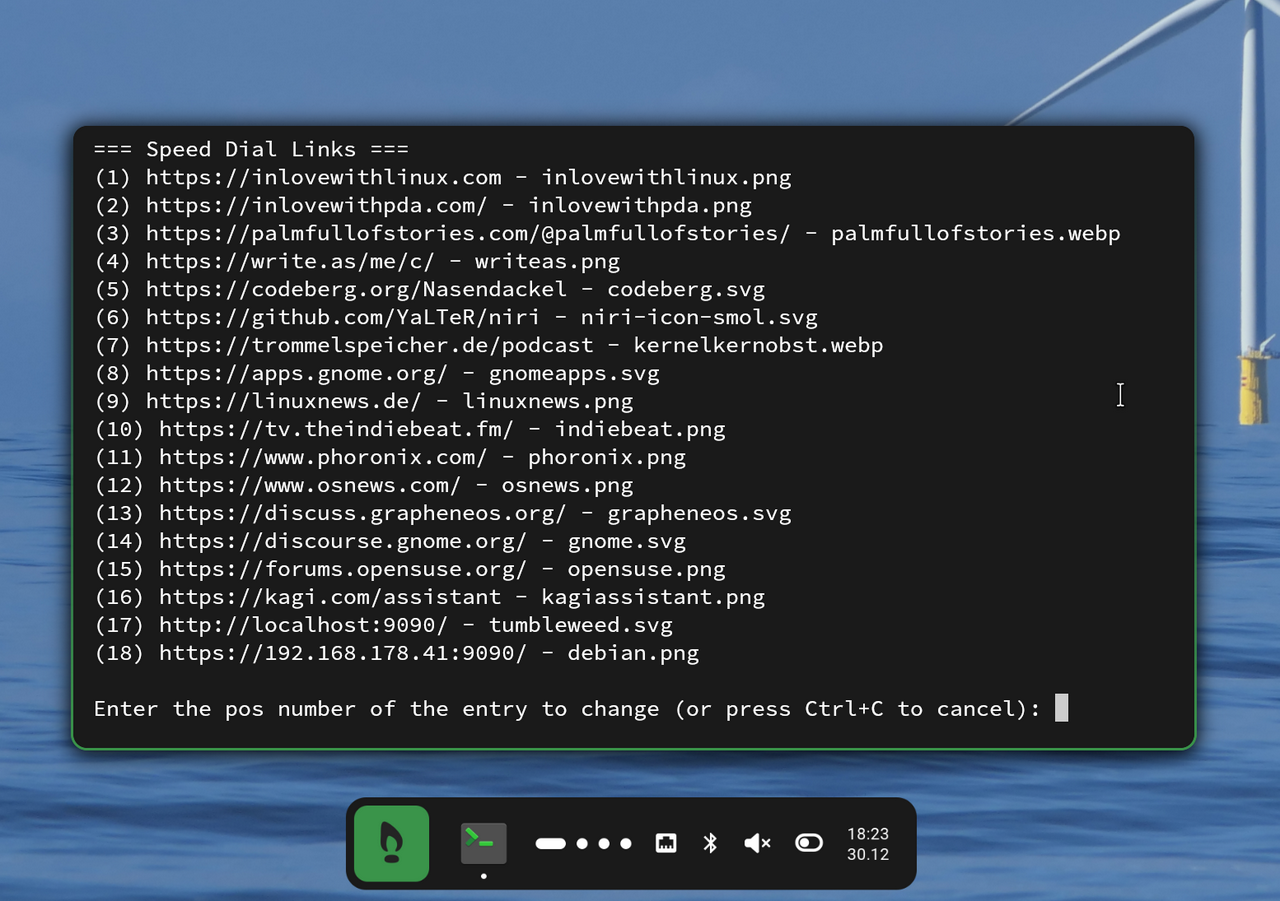
Another Bash script (also called speeddial.sh out of laziness) can edit the links.json file.
It basically has three functions: list, change, and convert.
The latter converts the json file into a Javascript file so that it can also be used in the HTML version (Solution 1).
When Speeddial +e is entered in Rofi, this script starts in the terminal (kitty).
File: speeddial.sh
Download:
All the files can be found in my dotfiles at codeberg: https://codeberg.org/Nasendackel/dotfiles