SyncGNOME – shamefull vibe-coding
I have a very ambivalent relationship with AI. I don’t think system-critical software should be programmed by AI alone. But as a tool for “dumb” tasks, I find it practical nowadays—if it weren’t for the other downsides (energy consumption, RAM prices, etc.).
So, it’s basically hypocritical that I have AI write small scripts for me... but it’s just so easy.
The starting point
I use two computers in my daily life: a desktop and a laptop. I sync many dotfiles between them using chezmoi, but since GNOME stores its settings in dconf, I need a tool for that. Preferably with a UI that integrates into GNOME.
syncGNOME
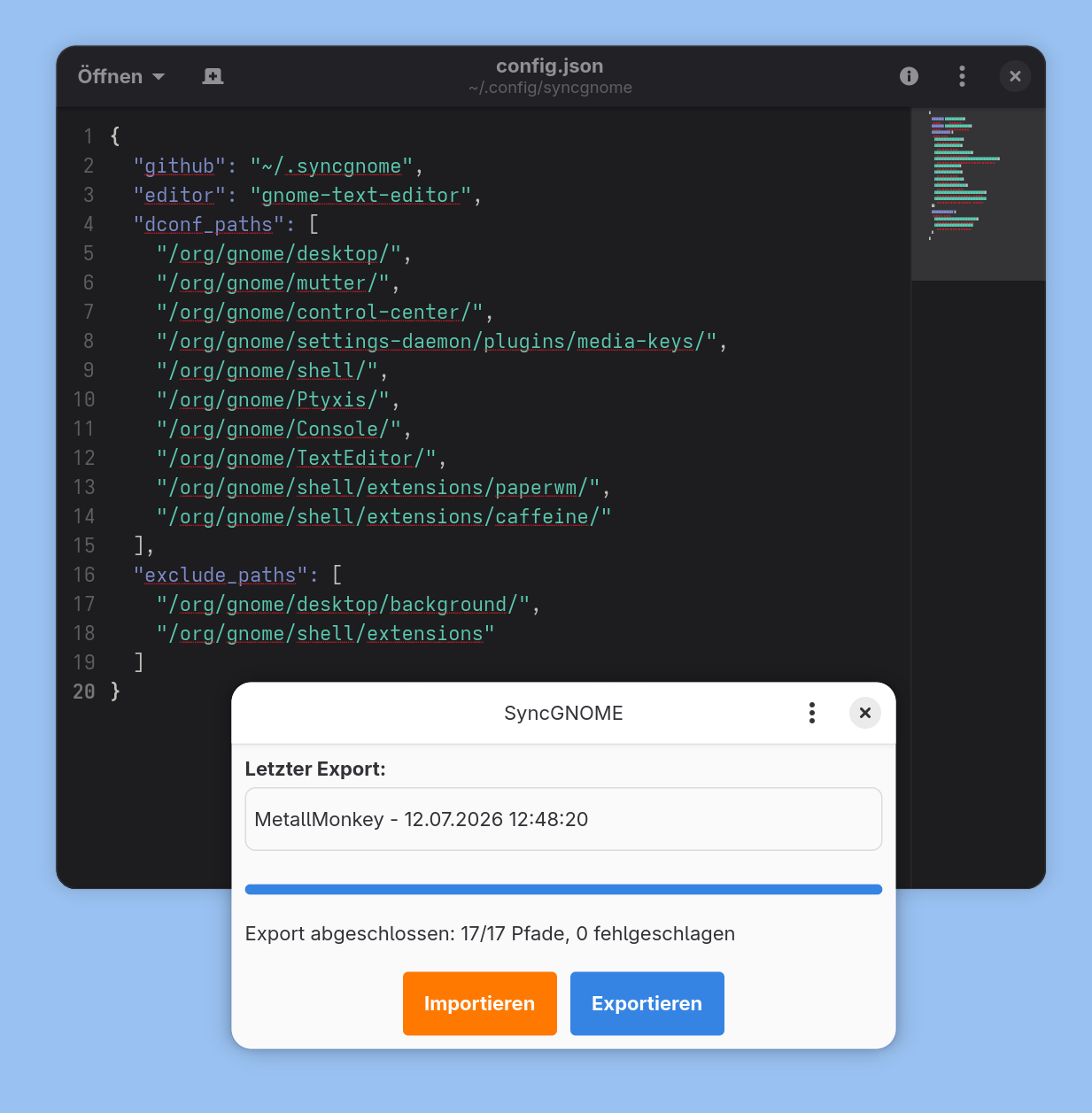
syncGNOME is a simple little Python app that allows importing or exporting entries from dconf via git. The corresponding entries can be added to a config file, as well as paths that should be excluded—like my wallpaper settings, for example. Additionally, the device name in gsconnect can be set to the hostname. Maybe that’s very specific to my use case.
Update
Because of the AI policy of Codeberg I removed the file.