Unify GTK3 and GTK4
One thing that really bothered me was the difference in corner radius between GTK3 and GTK4 apps in GNOME.
GTK4 (Adwaita) has a 15px radius on all corners, while GTK3 has a smaller radius only on the top corners.
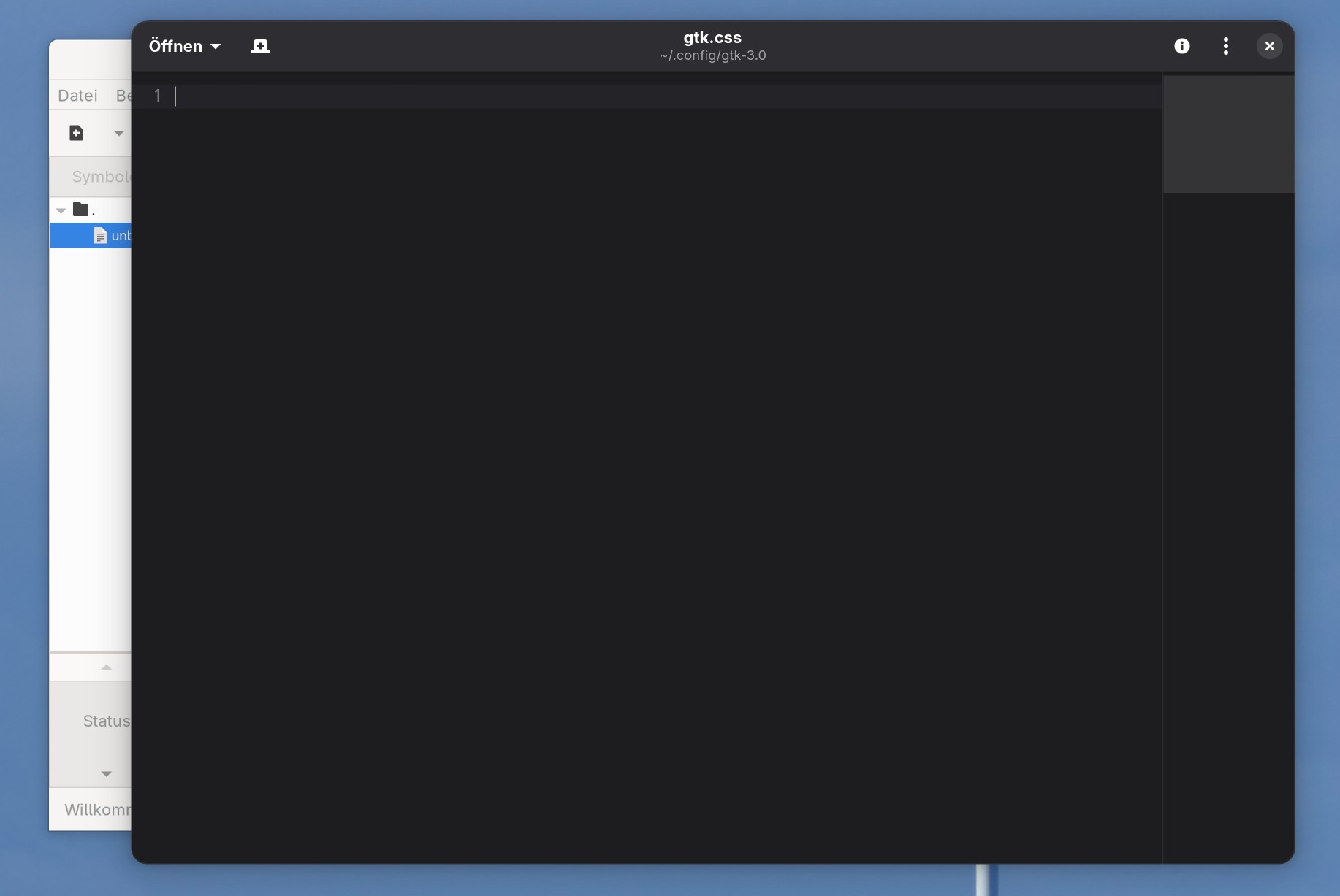
Fortunately, this can be customized with a little CSS. This way, everything looks great even with the default Adwaita theme.
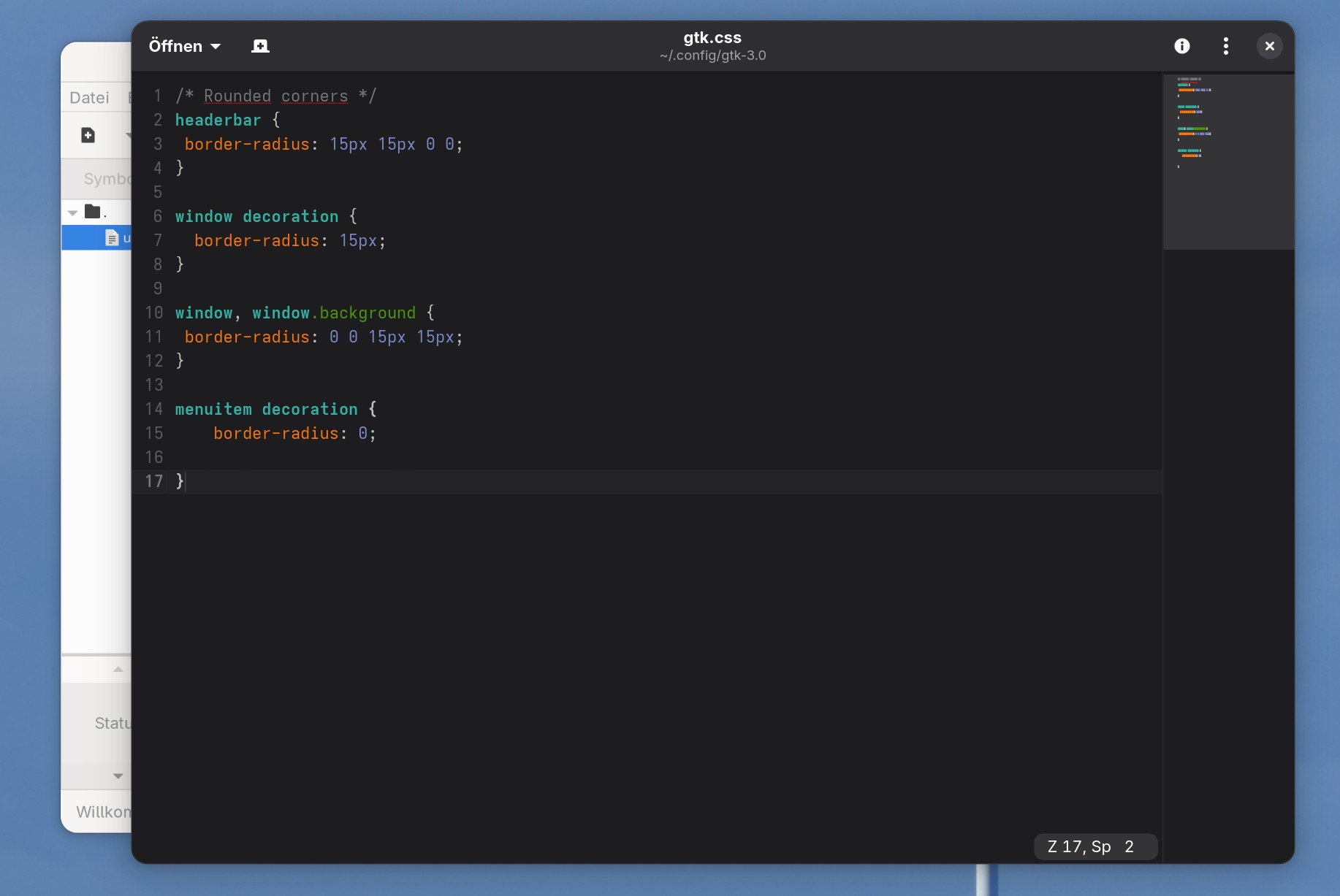
Solution: .config/gtk-3.0/gtk.css
Just add this to the gtk.css in .config/gtk-3.0 (in your homefolder).
/* Rounded corners */
headerbar {
  border-radius: 15px 15px 0 0;
}
window decoration {
  border-radius: 15px;
}
window, window.background {
  border-radius: 0 0 15px 15px;
}
menuitem decoration {
  border-radius: 0;
}
/* Rounded corners */

Firefox and Thunderbird
In Firefox and Thunderbird, a few more steps are required, as the bottom corners need to be explicitly enabled.
Firefox
Enter about:config in the address bar to access the settings. Here, set the value widget.gtk.rounded-bottom-corners.enabled to true.

Thunderbird
You can access the same setting via Settings > General > Config Editor. Set the value to widget.gtk.rounded-bottom-corners.enabled and true here as well.
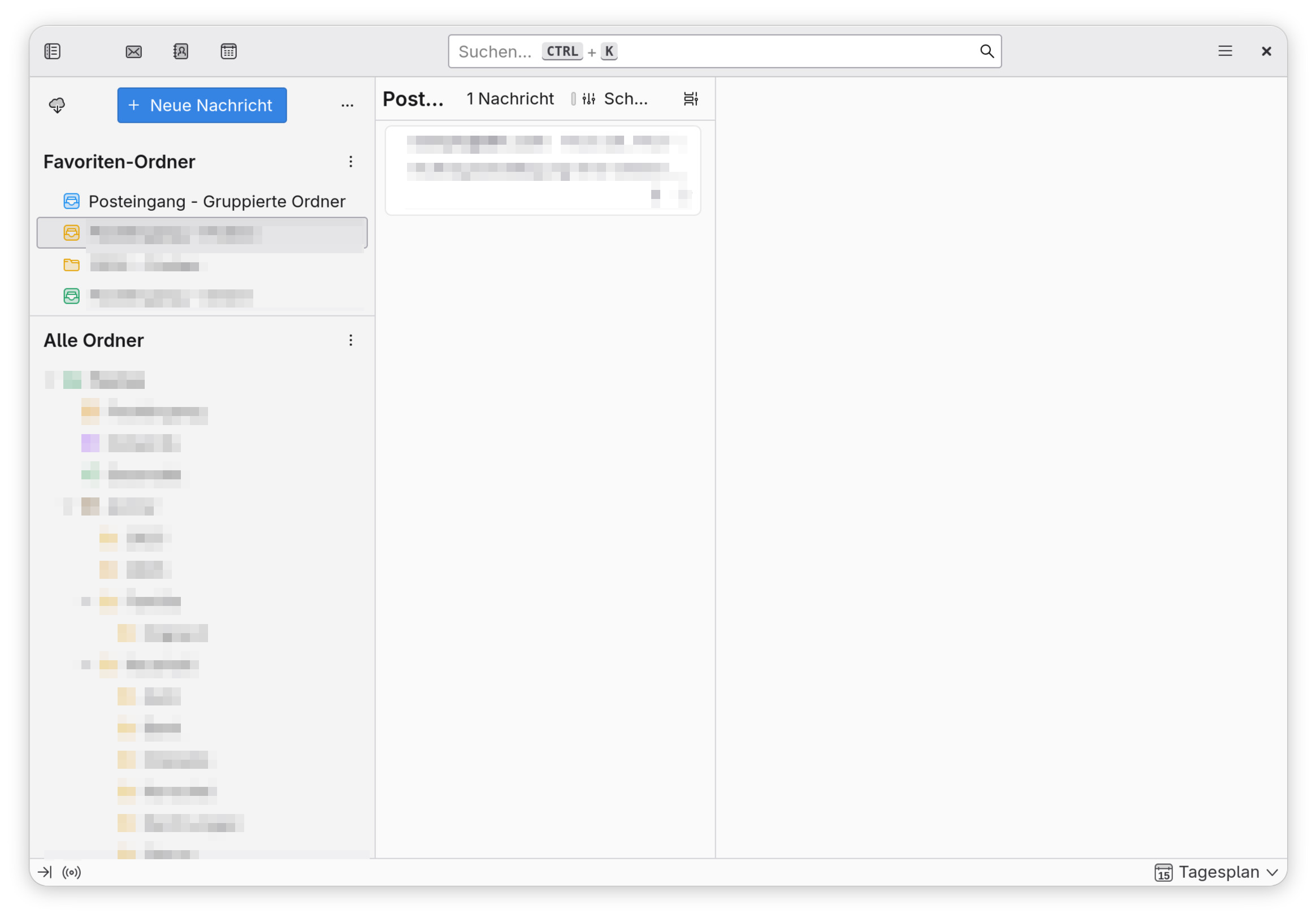
QT? BUGS?
That's the next thing to do is tune qt-apps... and there a still a few dialogs that doesn't work....