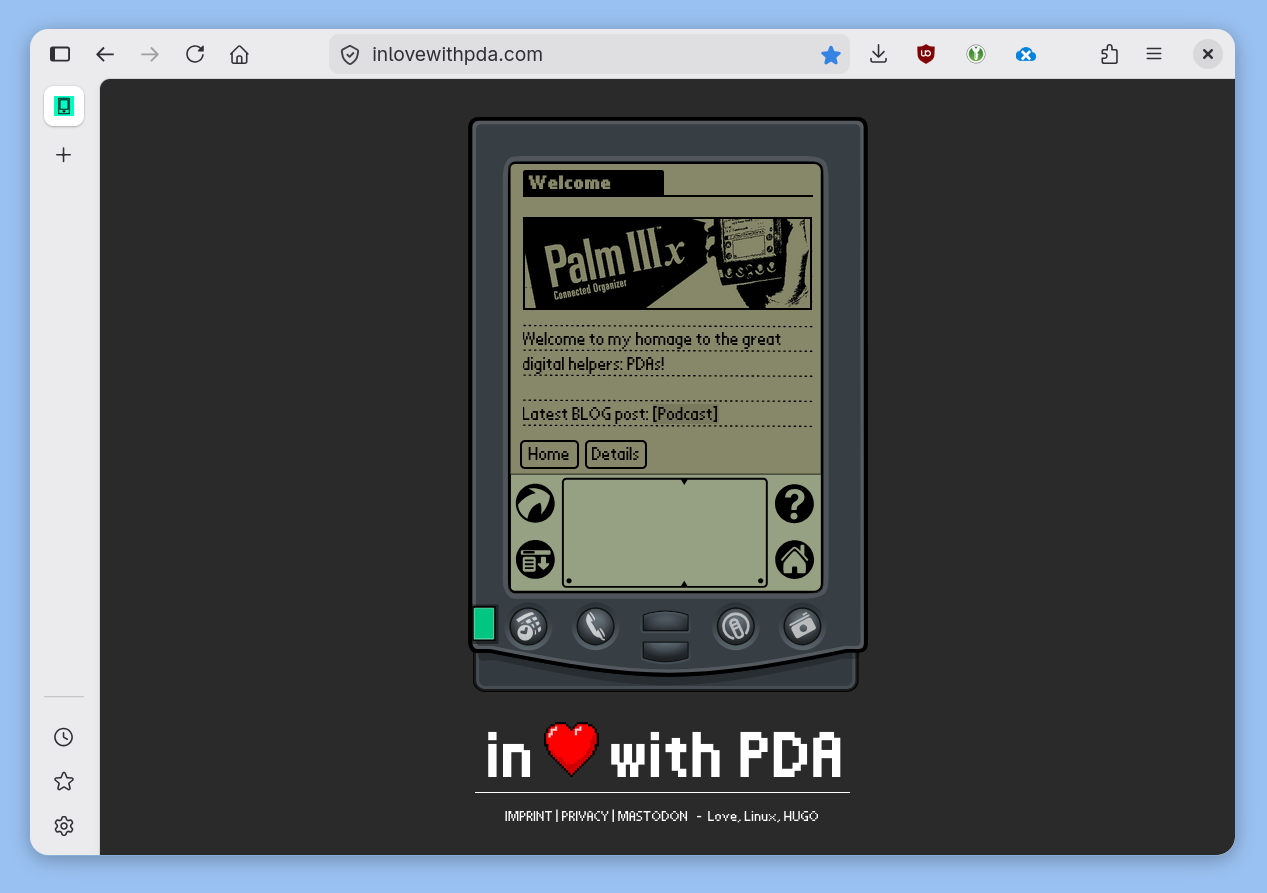
Unify GTK3 and GTK4 – Firefox
Small disclaimer: Since I'm using Debian Stable, I'm still on GNOME 48. Some of my issues might already be fixed in the latest version...
Personally, I think libadwaita's design language is the best thing that could happen to a UI. Kind of like Apple back in the day. I just love the look of GTK4 and Adwaita.
adw-gtk3
Since many great apps still use GTK3, adw-gtk3 is a good theme to make those apps look more similar to GTK4. It doesn’t quite work because GTK3 only has rounded corners at the top of the window, while GTK4 has all corners rounded. You could tweak it to match, but it wouldn’t make sense since GTK3 apps often have a status bar at the bottom of the window.
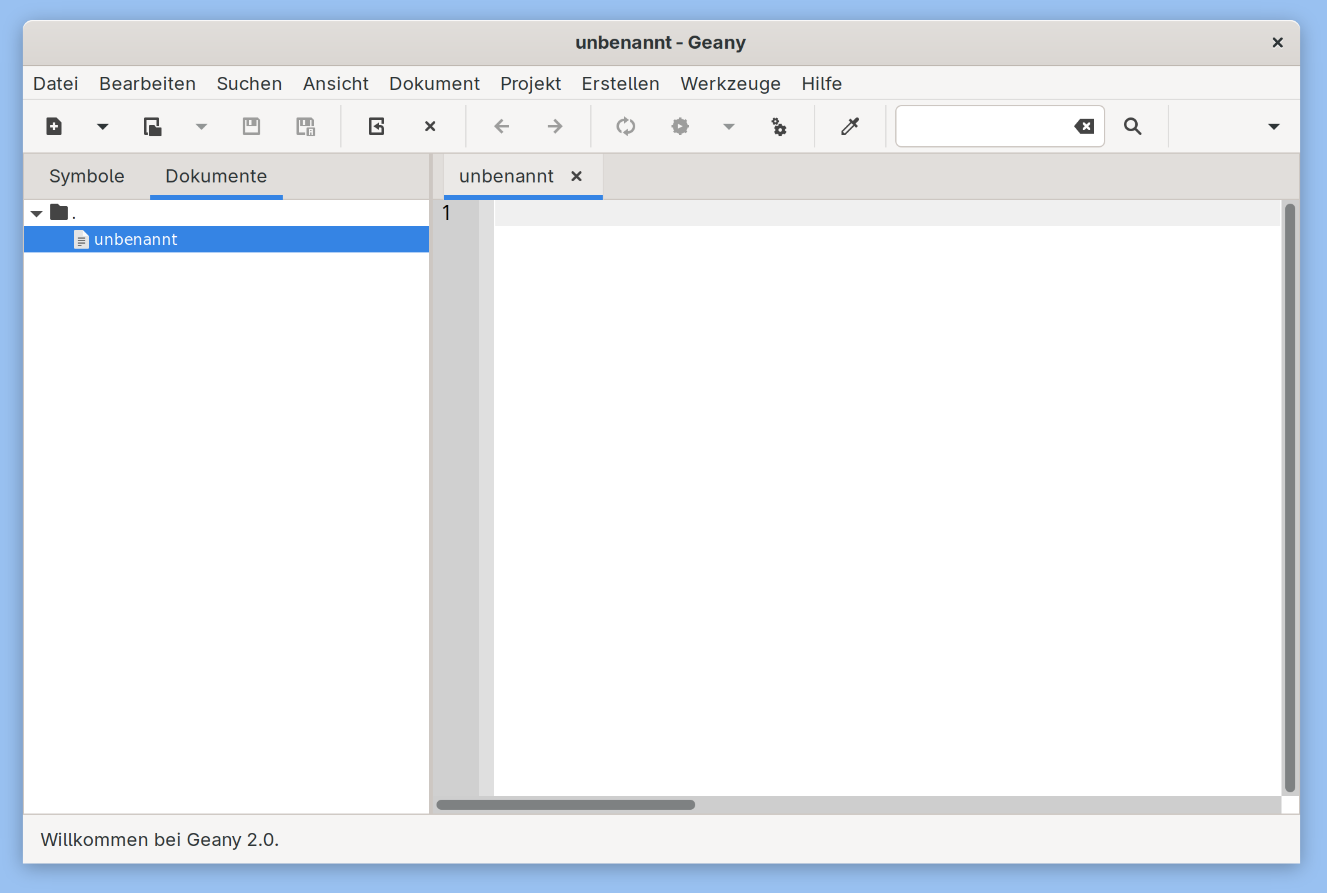
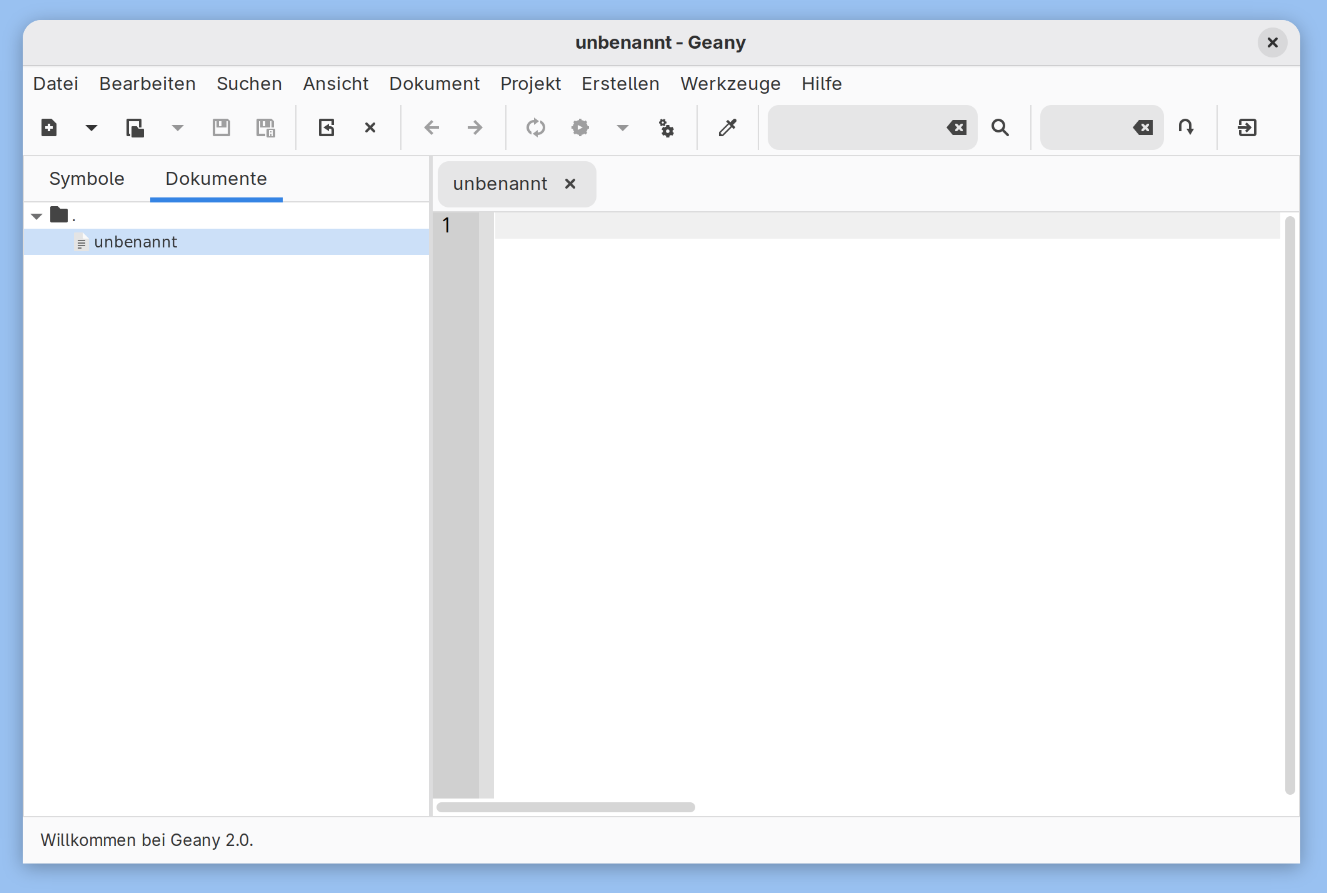
I just installed the gtk-3.0 files, because I have no need for tweaking GTK4.
tweaking Firefox (or Librewolf)
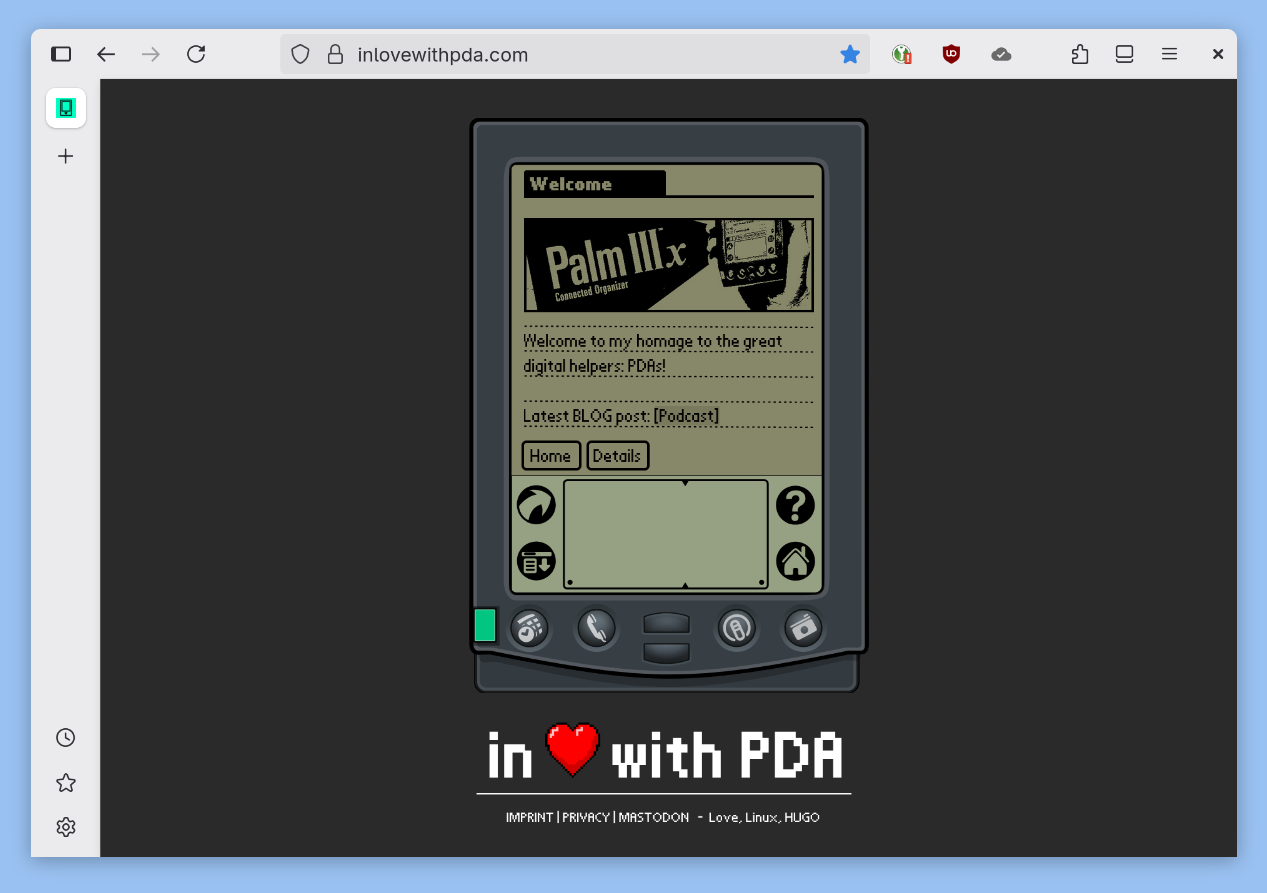
Firefox (or in my case, Librewolf) also still uses GTK3 but can have rounded corners at the bottom as well. You just need to enable it via about:config. Just set widget.gtk.rounded-bottom-corners.enabled to true.
fixing glitches
Since adw-gtk3 isn’t designed with this in mind (round corners in the bottom), we still need to do a bit of manual tweaking to avoid display issues.

I also have a scaling glitch. On my laptop with 125% UI scaling, Firefox looks good, but on my desktop with 150%, I unfortunately often get a display glitch when moving the window. A dark line appears at the top of the window. This, as mentioned, is under GNOME 48 and only happens with Firefox/Librewolf on my setup (but maybe on yours too).
The solution is both complicated and simple at the same time:
Firefox gets its own GTK theme, which modifies adw-gtk3.
The theme add border-radius and disables the 1px border that causes the glitch.
The “theme” uses a gtk.css file, and for me, it's located in ~/.local/share/themes/gtk-3.0/.
It assumes that adw-gtk3 is also in ~/.local/share/themes. Otherwise, the path needs to be adjusted.
@import url("../../adw-gtk3/gtk-3.0/gtk.css");
decoration {
  border-radius: 15px;
  box-shadow:
    0 3px 8px 0 rgba(0, 0, 0, 0.3),
    0 0 0 0 @headerbar_bg_color;
}
Now we just need to start Firefox individually with this theme. That works with
env GTK_THEME=rounded firefox
For a permanent fix, we copy the relevant .desktop file from /usr/share/applications/ to ~/.local/share/applications/ an adjust the Exec entries to
Exec=env GTK_THEME=rounded /usr/lib/firefox-esr/firefox-esr %u
For Librewolf, of course, the corresponding launcher needs to be adjusted.