I switched from openSUSE to Debian stable a week ago. As great as Debian is, it unfortunately has the disadvantage that I could no longer use Niri. That left SwayWM or GNOME.
After a few days, I realised that I don't really need a tiling window manager, I just like working with workspaces.
So the choice fell on GNOME, which I have grown to like very much and, above all, which looks really good. I never warmed to KDE, but everyone has their own preferences.
Since I only learned programming with Turbo Pascal and DBase, the AI had to help out a bit.
I would be delighted if some experts would take a look at the scripts. In my opinion, what the AI has written looks good, but perhaps it could be even better with a real brain.
Files:
You can find all scripts of the following instructions on Codeberg in my dotfiles.
Problem 1: Start apps on a certain workspace
GNOME has workspaces, but I missed being able to start a programme on a workspace with a keyboard shortcut. For example, Tuba (Mastodon) is always on workspace two.
Unfortunately, GNOME does not offer this by default.
Solution 1: Extensions, bash and keybindings
Update: 21.09.2025
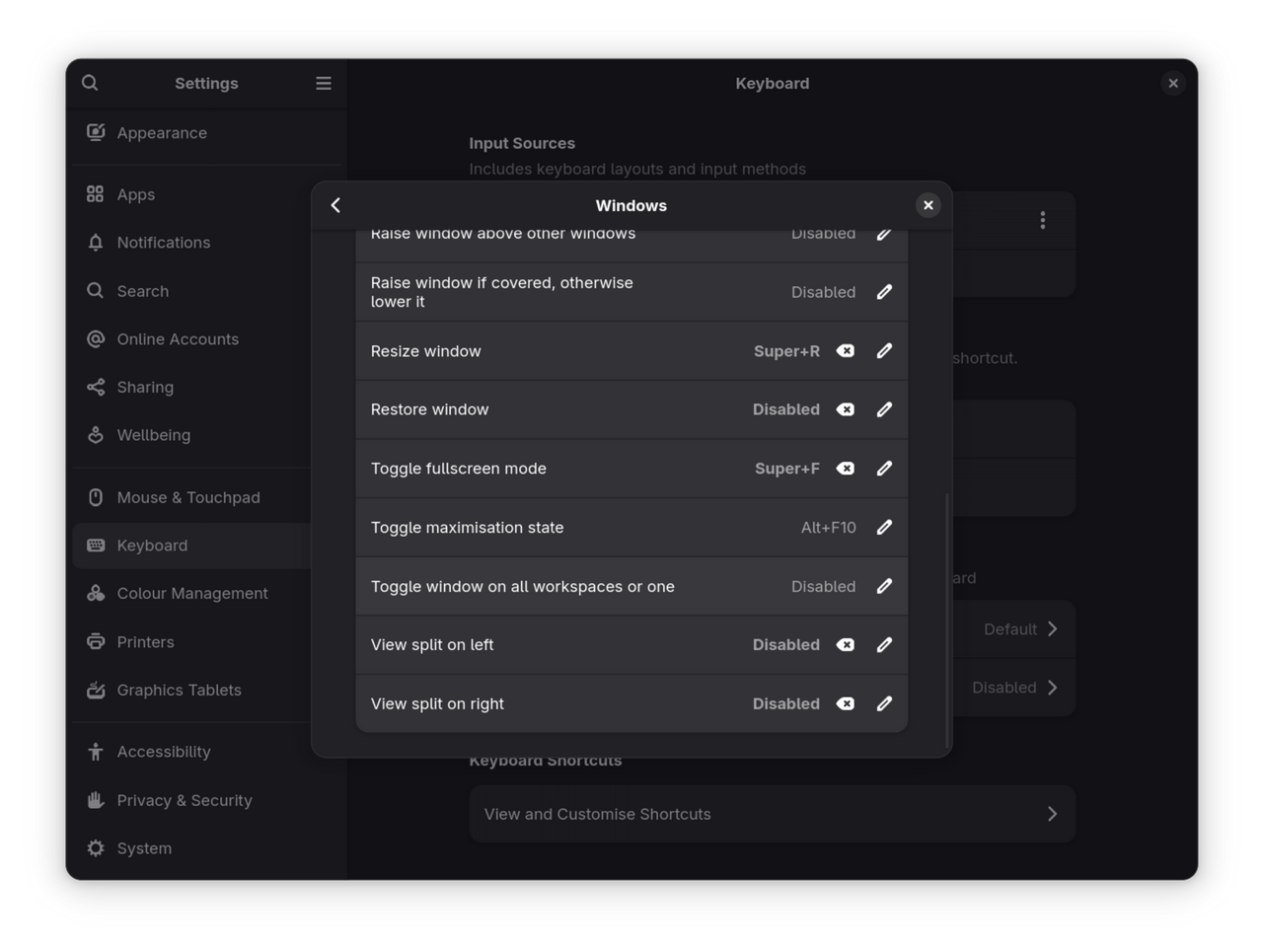
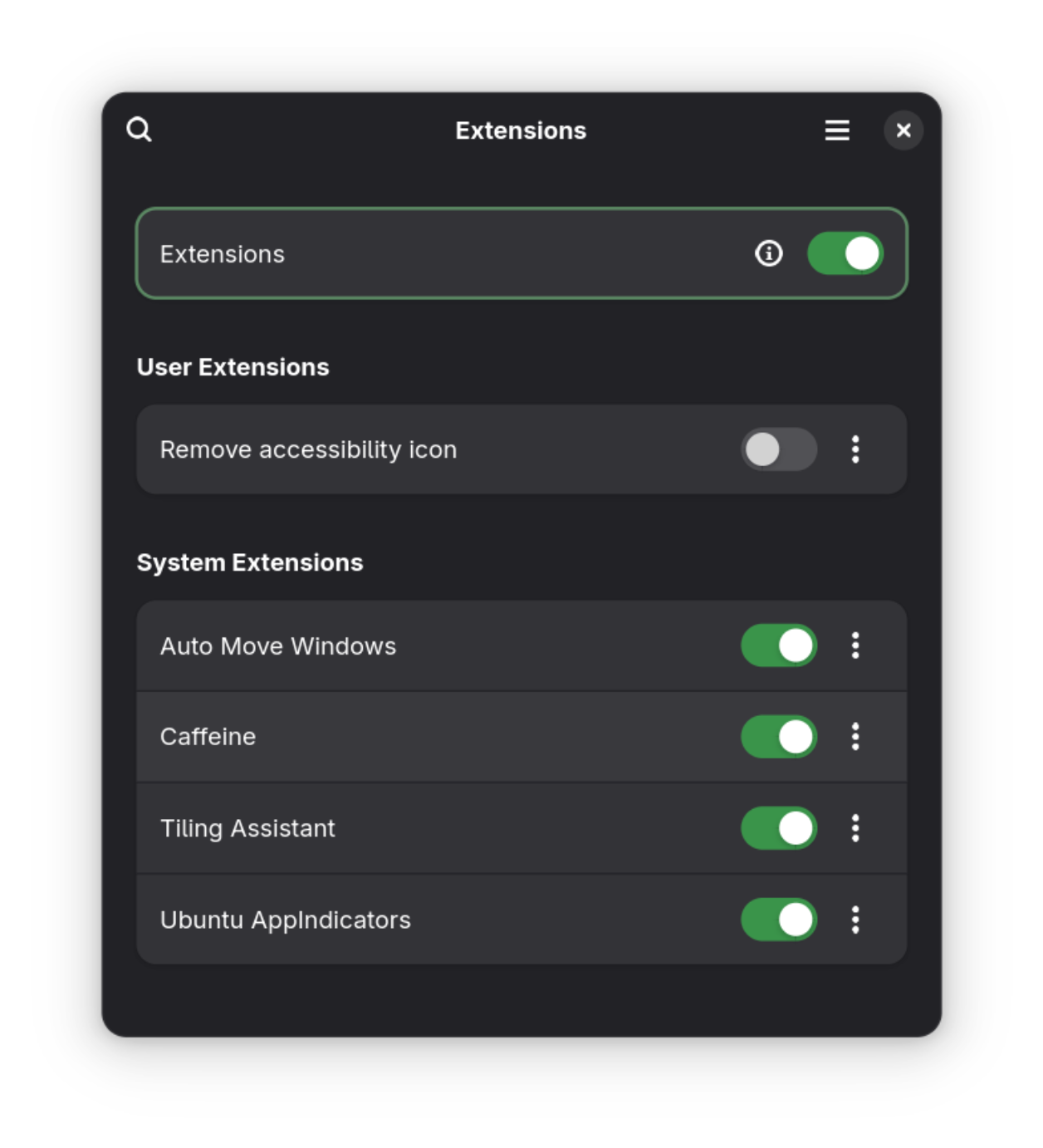
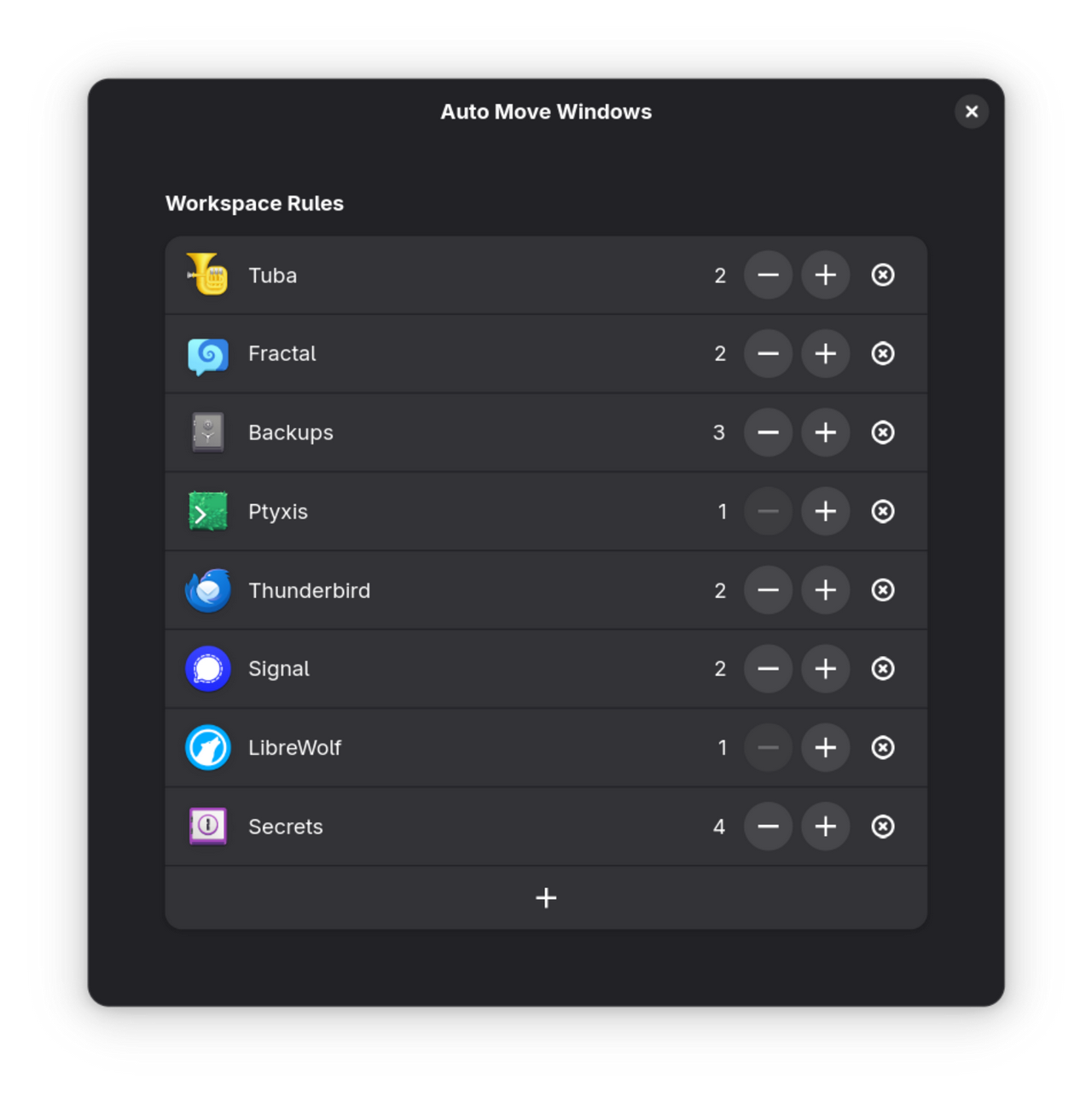
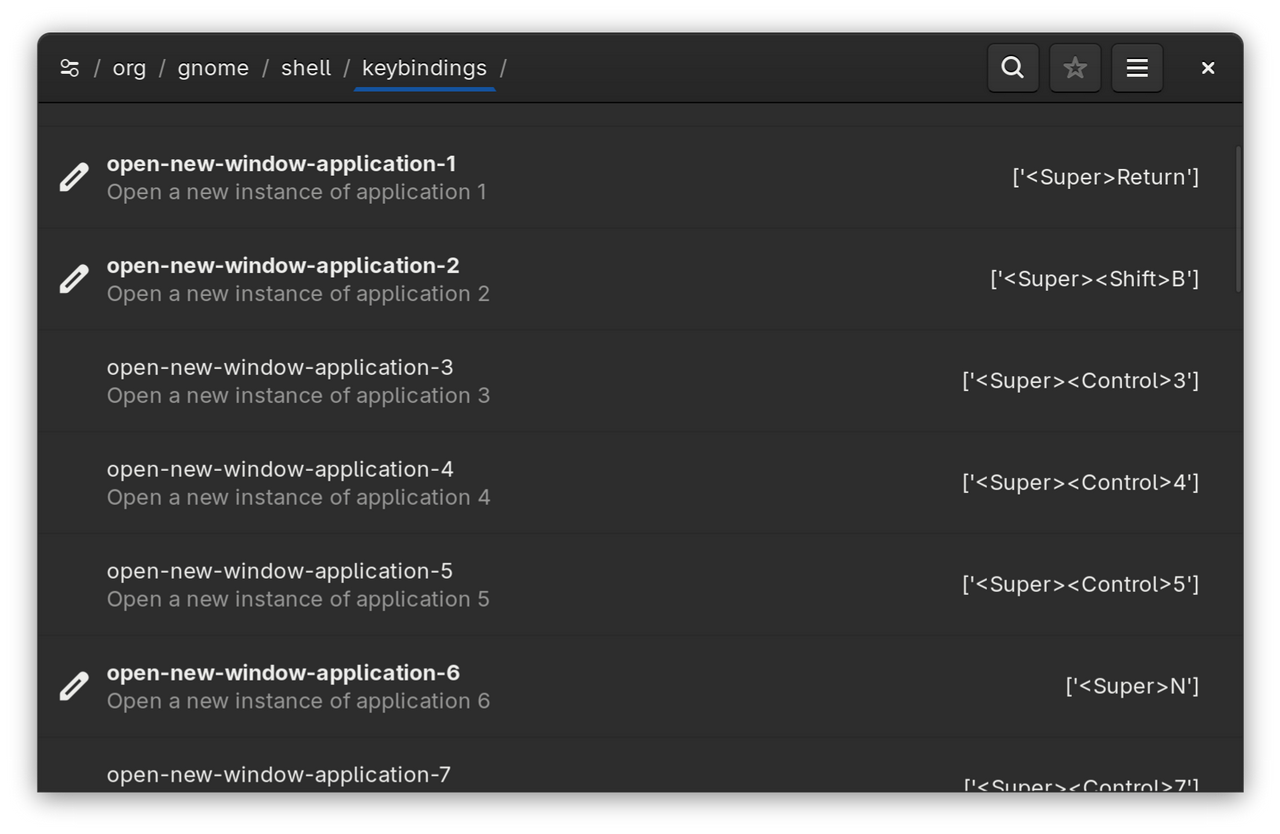
I changed everything to a combination of the Auto Move Extension and changing the shortcuts of the dash app via dconf.
For an example:
In the extension I assigned Tuba to Workspace 2 and changed the shortcut of application 4 in the dash to SUPER+SHIFT+T.
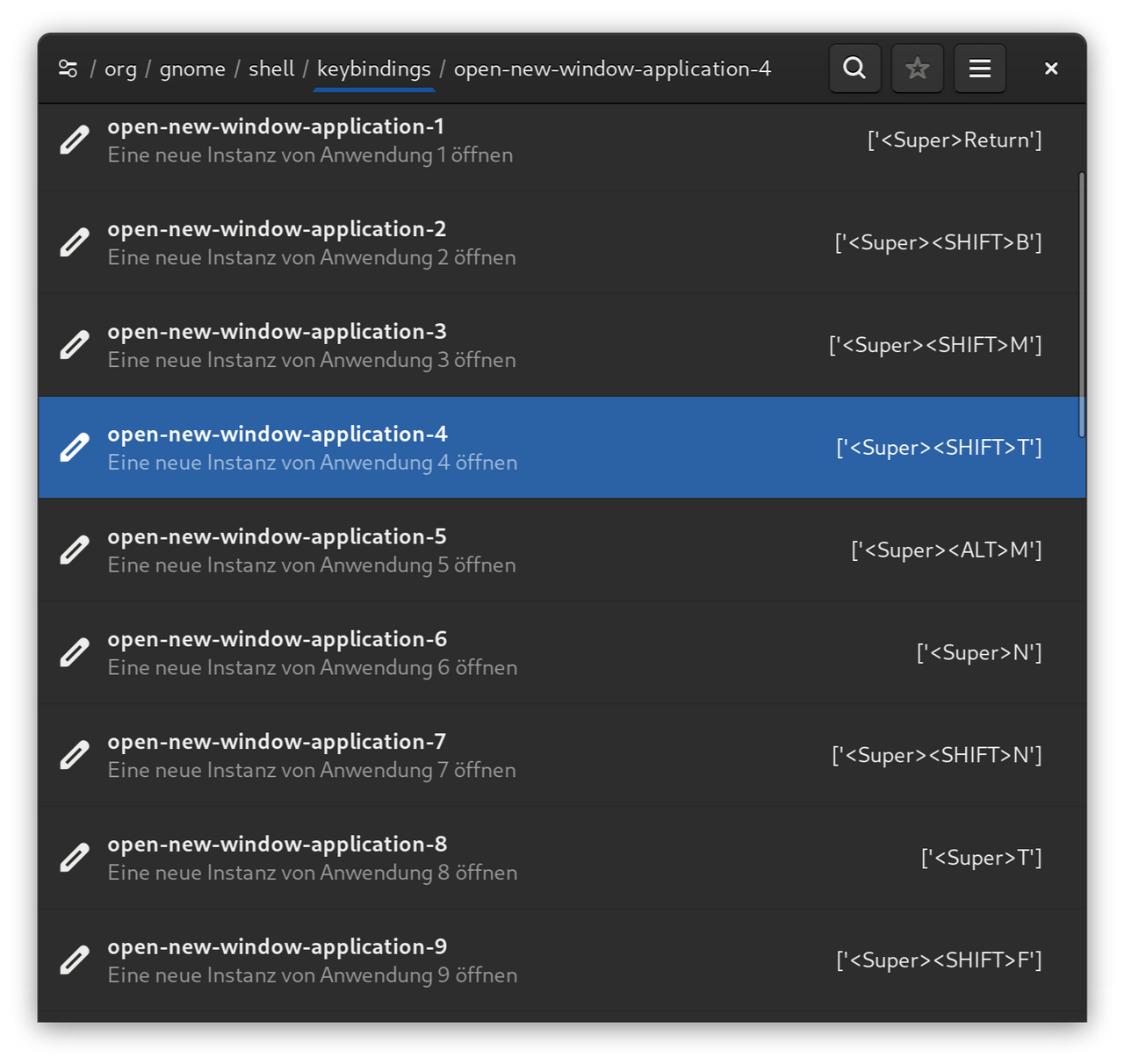
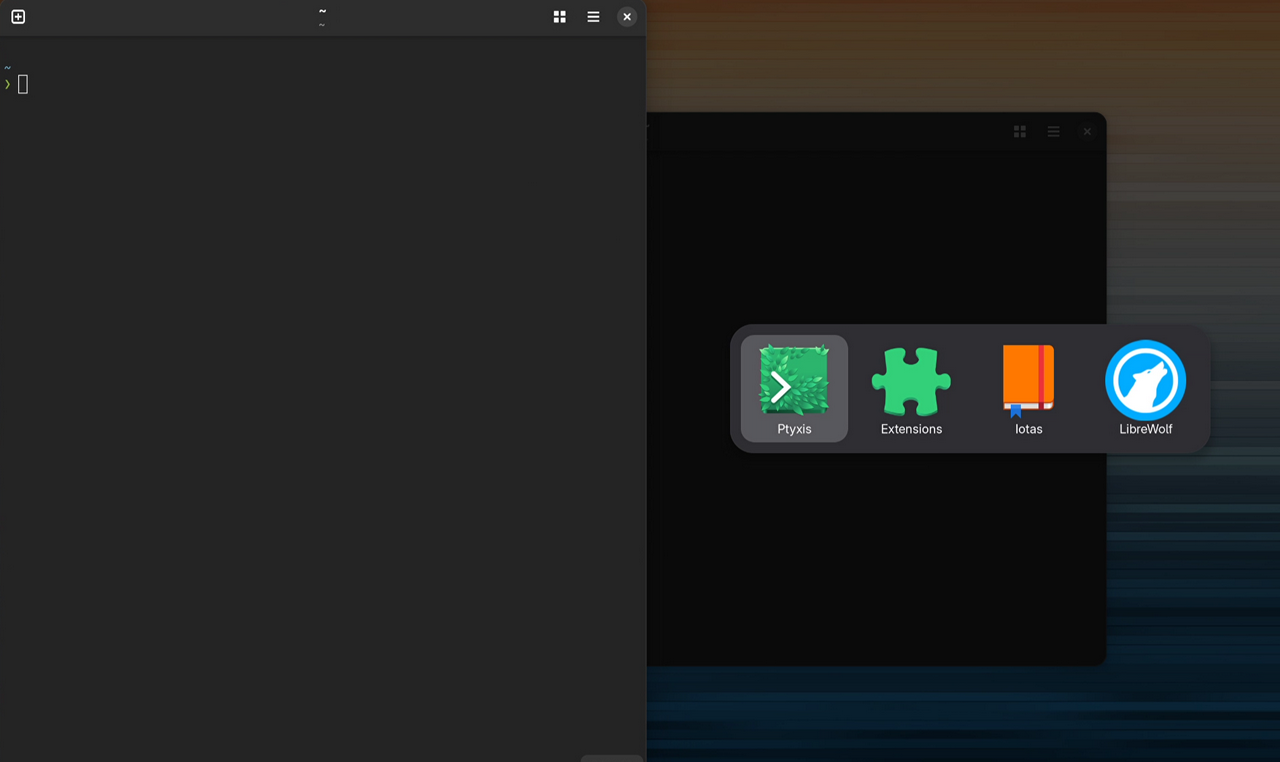
Now every time I press SUPER+SHIFT+T either Tuba starts or the app is focused on workspace 2.
Problem 2: Sync Settings
I use two computers: a desktop on my desk and a Framework 12 laptop. GNOME stores its settings in dconf. So I needed a tool that would export certain settings (e.g., keyboard shortcuts), push them to git, and import them back onto the other computer.
Solution 2: Export dconf and sync over git
The AI also helped after I spent a long time explaining what I needed.
#!/bin/bash
set -euo pipefail

# ---------- CONFIG ----------
GITHUB="$HOME/.dotdrop"
REMOTE="$GITHUB/dotfiles/Gnome"
mkdir -p "$REMOTE"

DCONFPATHS=(
  "/org/gnome/desktop/wm/keybindings/"
  "/org/gnome/mutter/keybindings/"
  "/org/gnome/settings-daemon/plugins/media-keys/"
  "/org/gnome/shell/"
)
# ----------------------------

# Build readable path list
PATH_LIST=""
for p in "${DCONFPATHS[@]}"; do PATH_LIST+="$p"$'\n'; done

# ---------- ACTION HANDLERS ----------
action_export() {
  cd "$GITHUB"
  git pull --ff-only || { echo "Git pull failed – aborting." >&2; exit 1; }

  for path in "${DCONFPATHS[@]}"; do
    filename=$(echo "$path" | tr '/' '_').conf
    dconf dump "$path" > "$REMOTE/$filename"
  done
  echo "Exported to $REMOTE"

  # exportierte Dateien committen
  git add "$REMOTE/*"
  git commit -m "Export GNOME shortcuts $(date +%F-%T)"
  git push
}

action_import() {
  cd "$GITHUB"
  git pull --ff-only || { echo "Git pull failed – aborting." >&2; exit 1; }

  for path in "${DCONFPATHS[@]}"; do
    filename=$(echo "$path" | tr '/' '_').conf
    file="$REMOTE/$filename"
    [[ -f "$file" ]] && dconf load "$path" < "$file" || echo "File not found: $file" >&2
  done
  echo "Imported from $REMOTE"
}

action_open() {
  echo "Storage location: $REMOTE"
  xdg-open "$REMOTE" || true
}

# ---------- CLI ENTRY ----------
case "${1:-}" in
  export)  action_export ;;
  import)  action_import ;;
  open)    action_open ;;
  *)       echo "Usage: $0 {export|import|open}" >&2; exit 1 ;;
esac
In my case, I export to the .dotdrop directory and sync this with Codeberg via git. Since I also use the dotdrop tool, this directory was the obvious choice.
Problem 3: Power-Screen
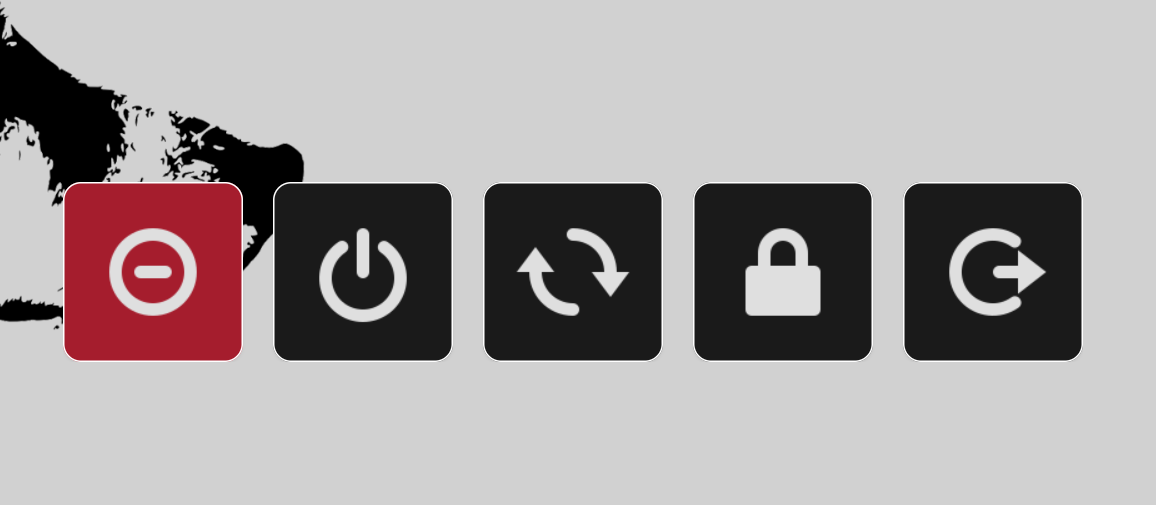
I was used to using wlogout in niri or swaywm. Of course, in GNOME wlogout works too, but it didn't really function properly. For example, there is no transparent background.
Solution 3: Simple Python Script
After a long dialogue, the AI created a simple Python script that uses images from the Papyrus icon set.
Set as a shortcut to SUPER+SHIFT+E... Works.
#!/usr/bin/env python3
# coded with the help of AI

import gi, subprocess, os
gi.require_version('Gtk', '4.0')
from gi.repository import Gtk, Gdk, GdkPixbuf

ICON_DIR = "/usr/share/icons/Papirus-Dark/24x24@2x/actions"

class PowerPanel(Gtk.Application):
    def __init__(self):
        super().__init__(application_id='org.nasendackel.Powerpanel')
        self.win   = None
        self.cmds  = {
            'system-suspend.svg':     'systemctl suspend',
            'system-shutdown.svg':    'systemctl poweroff',
            'system-reboot.svg':      'systemctl reboot',
            'system-lock-screen.svg': 'dbus-send --type=method_call --dest=org.gnome.ScreenSaver /org/gnome/ScreenSaver org.gnome.ScreenSaver.Lock',
            'system-log-out.svg':   'gnome-session-quit --no-prompt'
        }

    def do_activate(self):
        self.win = Gtk.ApplicationWindow(application=self)
        self.win.set_default_size(530, 120)
        self.win.set_resizable(False)
        self.win.set_decorated(False)

        esc = Gtk.EventControllerKey()
        esc.connect('key-pressed', self.on_esc)
        self.win.add_controller(esc)

        css = Gtk.CssProvider()
        css.load_from_data(b'''
        window { background: transparent; }
        button {
            background: #1a1a1a;
            border: none;
            outline: none;
            border-radius:12px;
            border:1px solid #fff;
            }
        button:focus { background: #A51D2D; }
        ''')
        display = Gdk.Display.get_default()
        Gtk.StyleContext.add_provider_for_display(
            display, css, Gtk.STYLE_PROVIDER_PRIORITY_APPLICATION)

        box = Gtk.Box(orientation=Gtk.Orientation.HORIZONTAL, spacing=20)
        for name in ['system-suspend.svg','system-shutdown.svg','system-reboot.svg',
                     'system-lock-screen.svg','system-log-out.svg']:
            pixbuf = GdkPixbuf.Pixbuf.new_from_file_at_scale(
                        os.path.join(ICON_DIR, name), 120, 120, True)
            texture = Gdk.Texture.new_for_pixbuf(pixbuf)
            picture = Gtk.Picture.new_for_paintable(texture)
            picture.set_can_shrink(True)
            btn = Gtk.Button()
            btn.set_child(picture)
            btn.set_size_request(120,80)
            btn.connect('clicked', self.on_clicked, self.cmds[name])
            box.append(btn)
        self.win.set_child(box)
        self.win.present()

    def on_esc(self, ctrl, keyval, keycode, state):
        if keyval == Gdk.KEY_Escape:
            self.quit()
            return Gdk.EVENT_STOP
        return Gdk.EVENT_PROPAGATE

    def on_clicked(self, btn, cmd):
        subprocess.Popen(cmd, shell=True)
        self.quit()

if __name__ == '__main__':
    PowerPanel().run()
#gnome